Our brains don't process one sentence at a time. We hold entire contexts, connecting ideas across pages, spotting patterns across documents, remembering details from the beginning while reading the end.
Most AI tools break down when faced with thousands of pages or hundreds of files. They lose context. They miss connections. They force us to split, summarize, or simplify. Dvina keeps everything in view.
What Dvina Handles
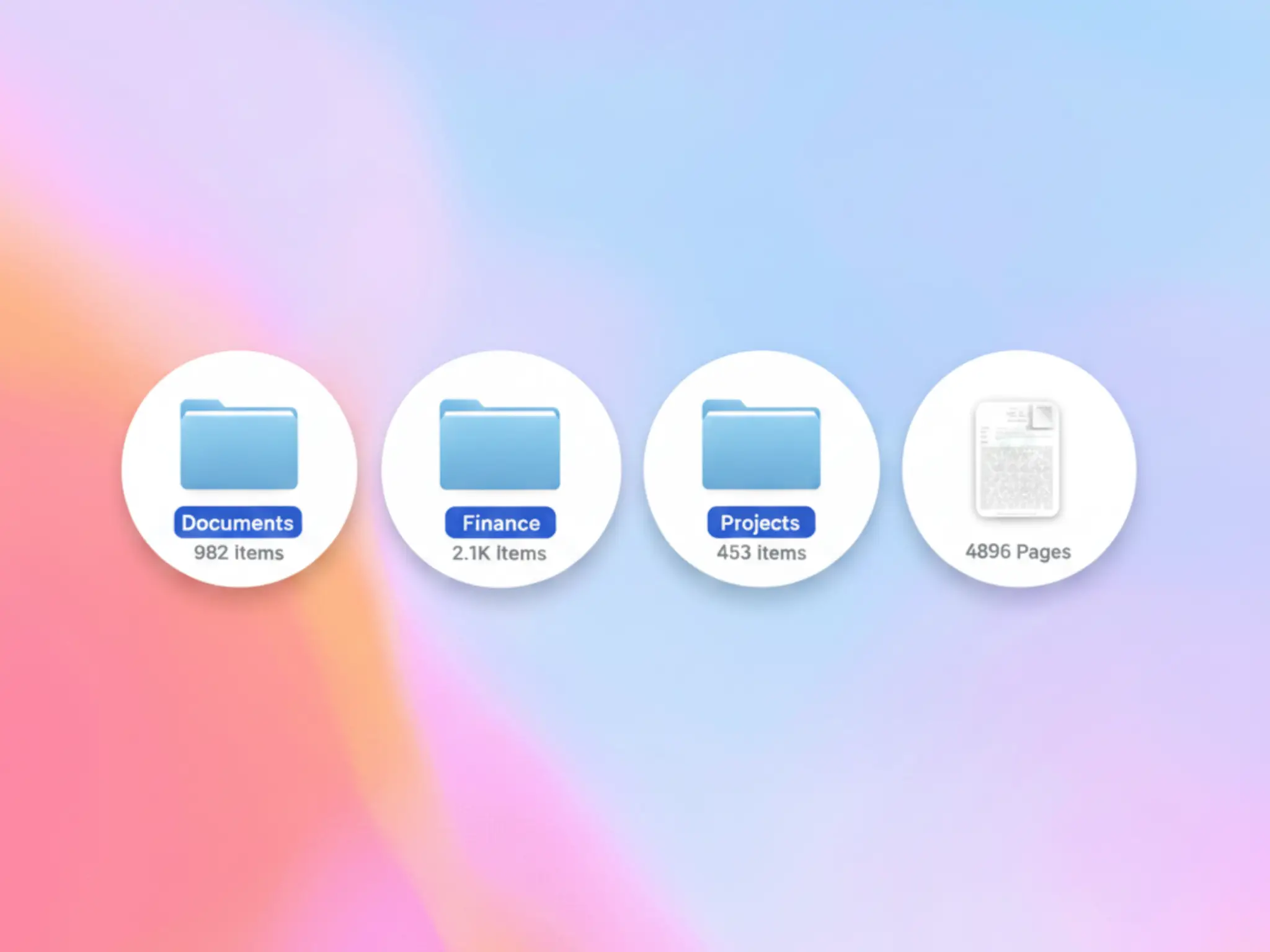
Massive Single Documents - Thousands of pages with full context maintained from start to finish.
Multiple Files Simultaneously - Hundreds or thousands of documents analyzed together, cross-referenced, connected.
Drag & Drop Folders - Drop any folder from your desktop, and Dvina processes every file inside simultaneously, no matter how many.
Any Format - PDFs, Documents, Slides, Code, scans, images, handwritten notes. Text or visual, Dvina processes it all.
Deep Analyze
(Pro Feature)
When you need deeper understanding, click Deep Analyze to activate advanced processing:
Auto Cognition Automatically identifies document structure, extracts entities, recognizes relationships, maps dependencies across your entire document set.
OCR Processing Extracts text from scanned documents, image-based PDFs, handwritten notes, and low-quality captures.
Visual Understanding Interprets charts, diagrams, photos, and layouts within your documents. Turns visual elements into actionable insights.
Real Use Cases
Academic Excellence - Upload an entire semester's worth of textbooks, lecture slides, and handwritten notes. Synthesize complex theories across multiple sources for deep understanding.
Corporate Intelligence - Master any project by processing years of documentation, meeting transcripts, and internal reports. Connect the dots across different departments in seconds.
Creative Freelancing - Process massive client archives and brand guidelines. Research complex topics by dropping in entire libraries of reference material to generate sharp, data-backed insights.
How It Works
Upload files of any size, any quantity → Click Deep Analyze for advanced processing → Ask anything across all documents → Get comprehensive answers with full context
Performance Tips
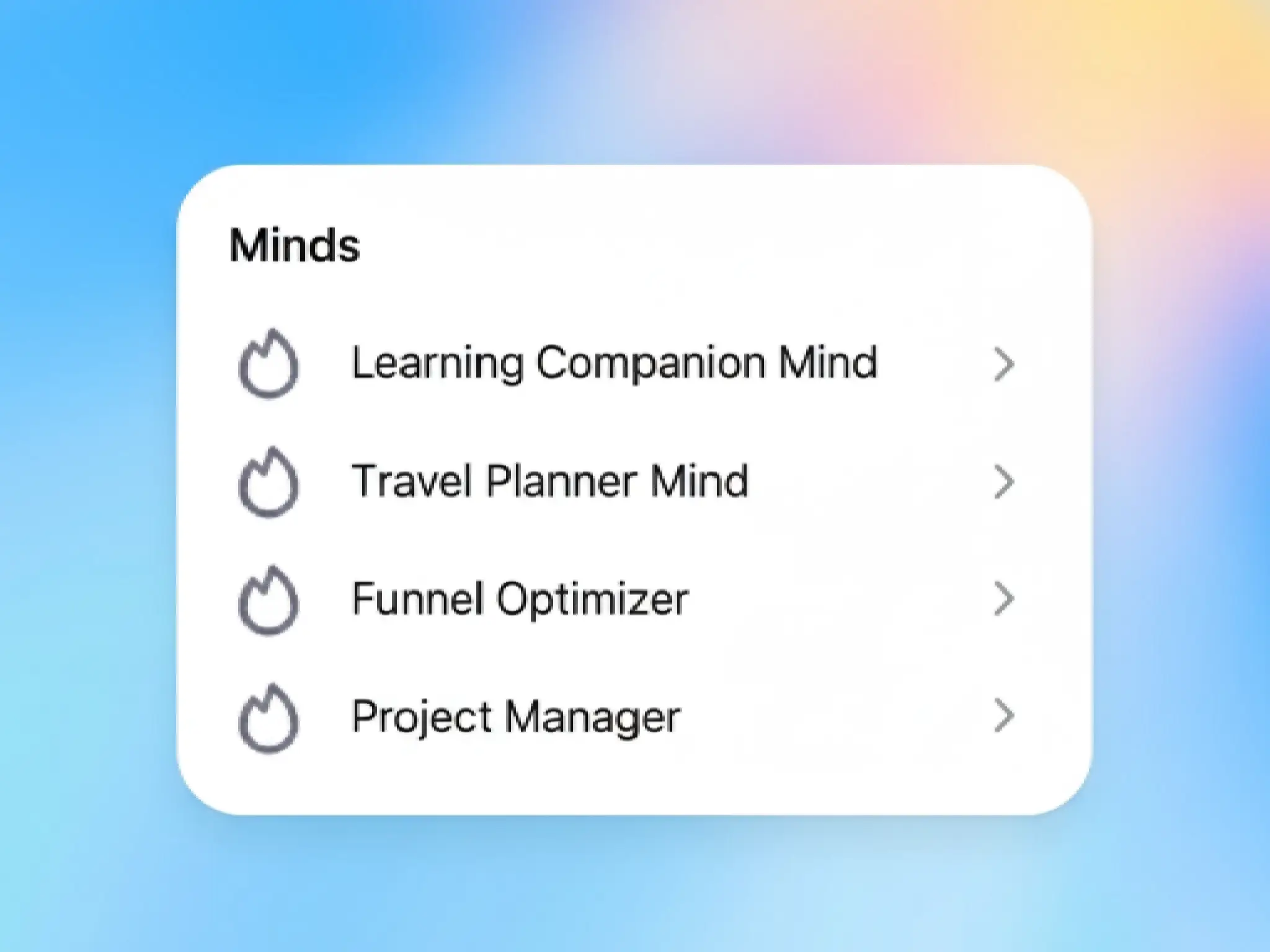
Organize files in folders before upload. Use descriptive names. Create specialized Minds for recurring document types. Be specific with questions.
No splitting. No limits. Just understanding.
Processing happens in isolated, secure environments. Your documents never leave your workspace.