We don't work in silos. Our workflow spans dozens of tools. Email here, files there, tasks somewhere else, data scattered across platforms.
Dvina brings it all together.
Instead of switching between tabs, copying information between apps, and losing context along the way, you work in one place. One conversation connects to everything.
What You Can Connect
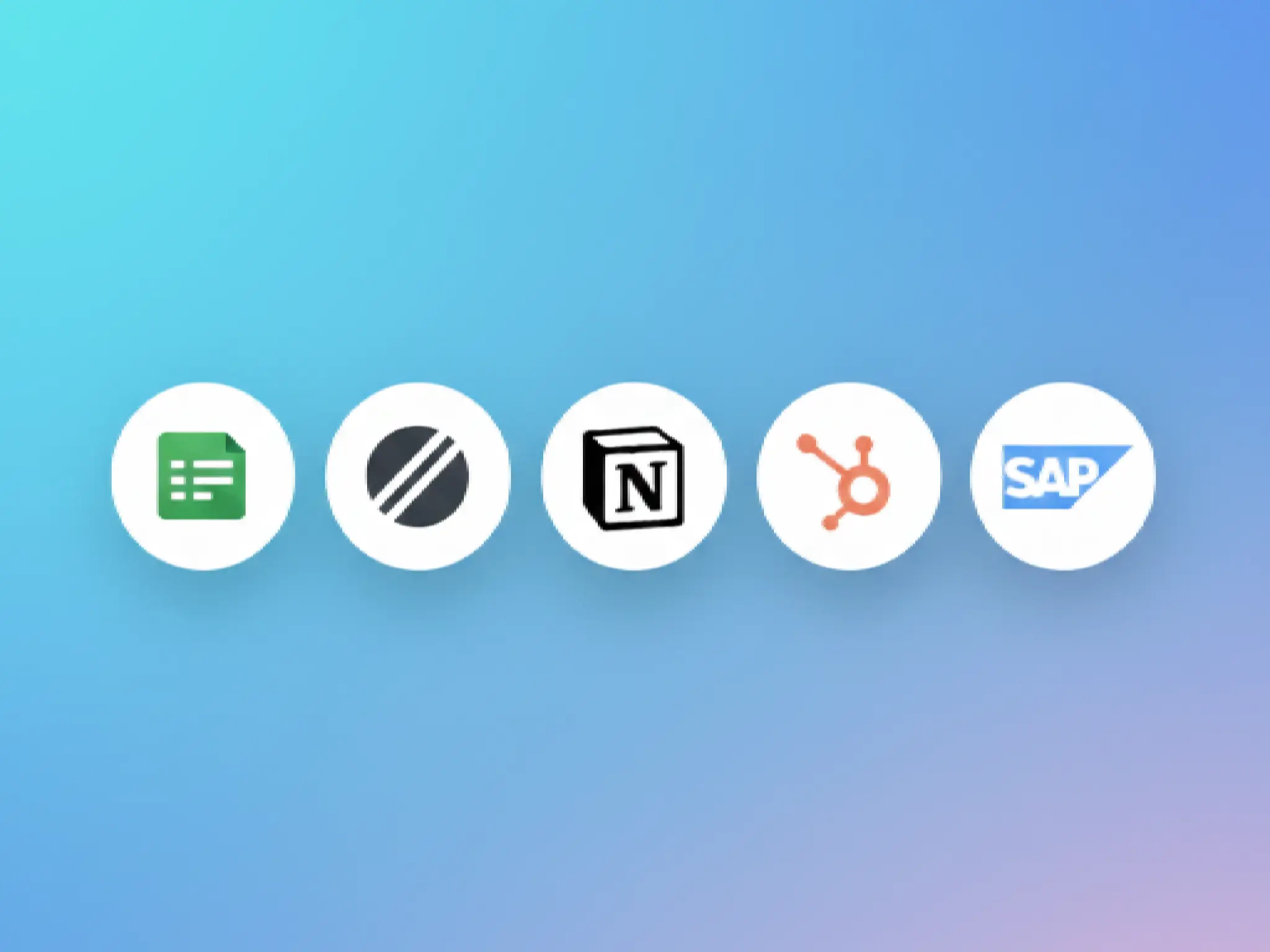
Productivity - Slack, Gmail, Google Drive, Microsoft 365
Project Management - Asana, Linear, Jira
Development - GitHub, GitLab, Figma
Data & Analytics - Salesforce, HubSpot, Google Sheets
Finance - QuickBooks, Stripe
120+ apps total - If you use it, Dvina connects to it.
How to Connect
Apps → Browse or search for your apps
Click Connect → Secure OAuth authentication, no passwords shared
Start Using → Just mention the app: "Create a task in Asana for Q1 review"
What You Can Do
Cross-App Actions "Find the contract in Google Drive, extract key terms, create tasks in Asana, and notify the team in Slack"
Dvina orchestrates across platforms seamlessly.
Data Synthesis "Compare Salesforce pipeline with QuickBooks revenue and create a summary report"
Get insights that span your entire tech stack.
Automated Workflows "When a new lead arrives in HubSpot, create a Drive folder and notify the team in Slack"
Set it once, run it forever.
Best Practices
Start with 2-3 core apps, expand gradually. Review permissions before connecting. Use specific commands for better results. Create Minds specialized in app combinations.
Security
OAuth 2.0 - Industry-standard secure authentication
Scoped Permissions - Apps only get necessary access
Revocable Anytime - Disconnect instantly from Settings
Encrypted in Transit - All API calls use TLS encryption
Your connections stay isolated in your workspace.